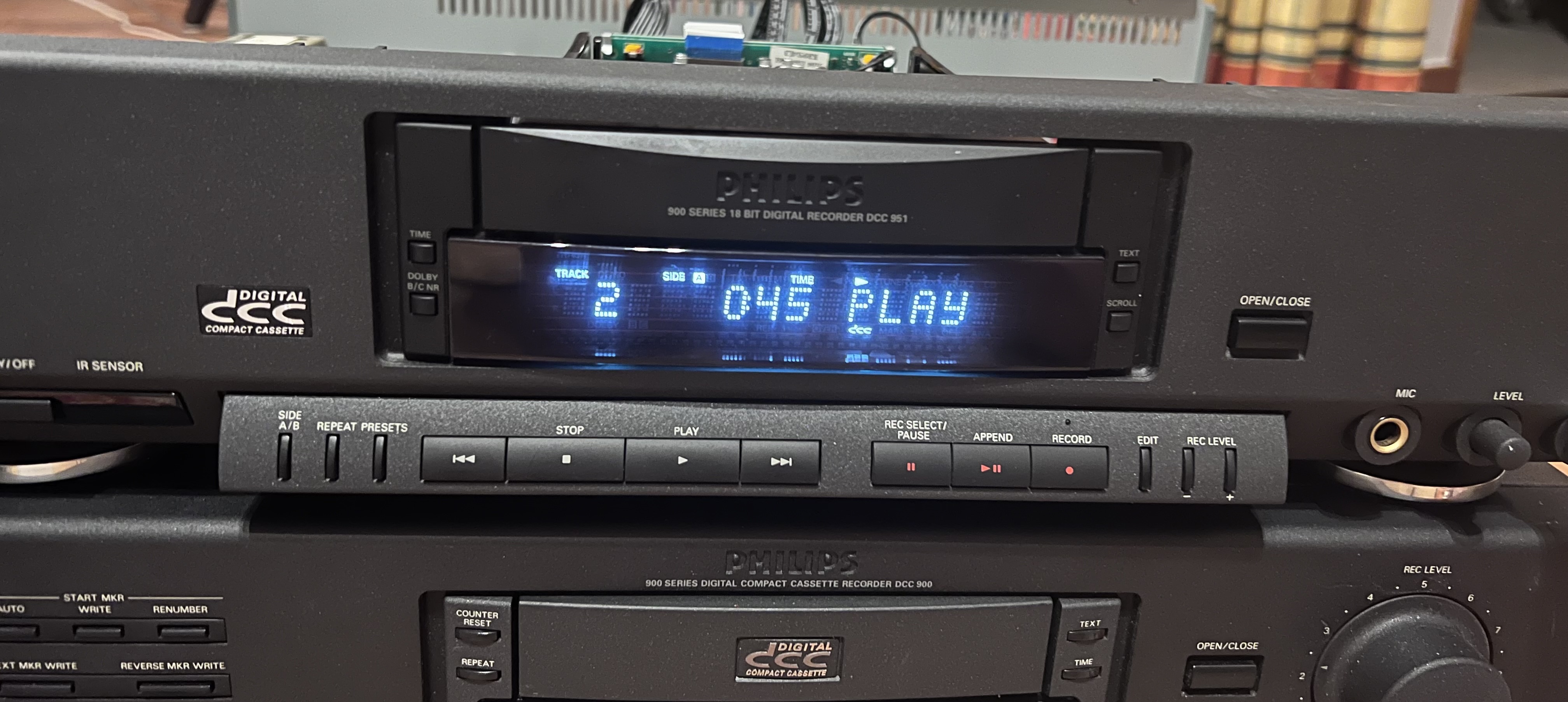
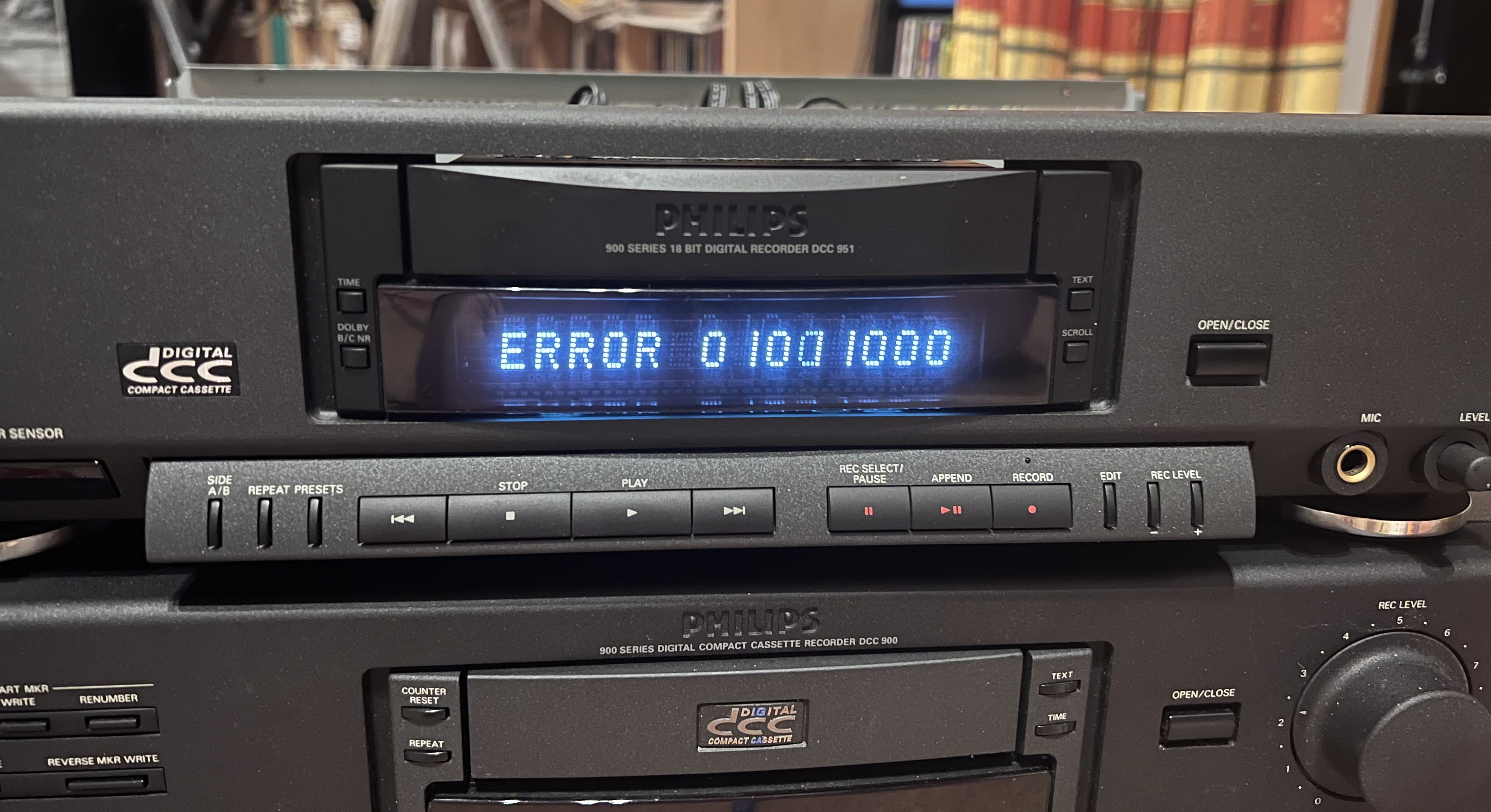
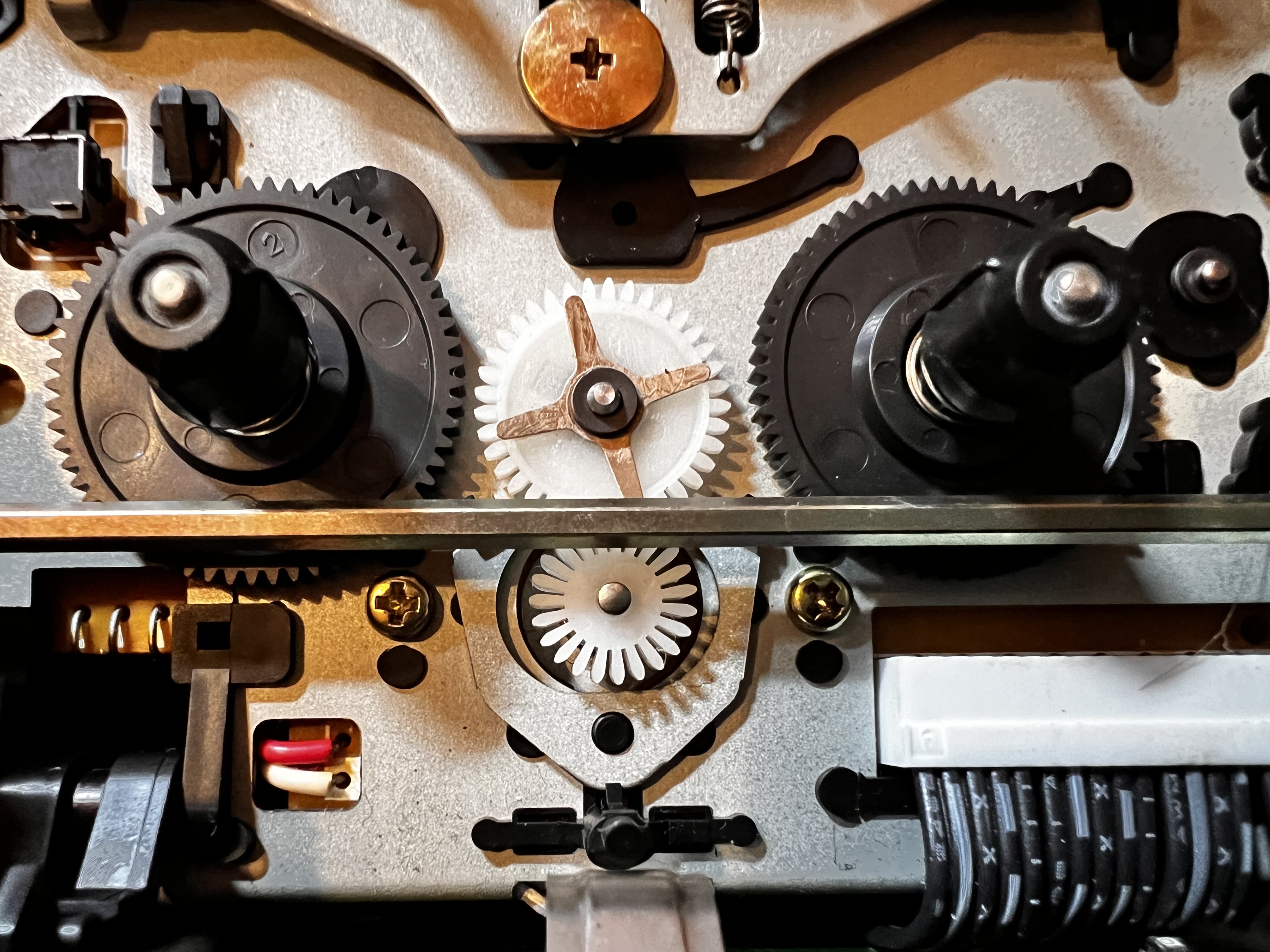
Try giving it a good cleaning. For starters, use a Q-Tip and some isopropyl alcohol (90+ percent pure) to wipe off the head, in up/down direction. You can’t really see whether the head is clean or dirty so keep scrubbing for a while. Also put the recorder in service mode and play a DCC tape; preferably a prerecorded one with a brown pressure pad. Check how many tracks are showing “00”. If they all show FF, there’s a chance that the head is defective but if you’re getting analog sound, there’s a chance it could be salvageable. Clean those capstans too.
Also check the pinch rollers; those are often an issue on 3rd gen recorders. DCC is very sensitive to speed variations such as the ones caused by worn out pinch rollers. They can be easily replaced and aren’t very expensive.
During playback in service mode, the digits should mostly stay at zero for the recorder to play (and record) sound. If all tracks are 0 but one track is constantly 1, you may hear some fragments of music but 1/8th of the stream gets lost when one head isn’t working, and that’s exactly the limit of the error correction circuit.
Try it with multiple tapes and don’t just test the start of the tape. The start of the tape usually is a bit more sensitive to wear. Try fast forwarding to at least a minute into the recording.
If most tracks are zero most of the time, there’s a good chance that the head is just dirty. Keep scrubbing with a Q-tip with isopropyl, going up and down (not left-to-right). The digital heads are near the top of the head assembly and the first track is closest to the top edge of the tape. That should give you an idea of where to scrub.
If you can, you should test with a prerecorded tape. That way you don’t get fooled by a tape that was recorded on a machine with dirty or bad heads. A dirty head will keep the bits from reaching the tape, and no amount of scrubbing will improve anything with a tape that has a track with nothing in it.
 but there are errors, two or three ones. They change when I try another cassette! See photo below.